International families in Japan
Japanese school notices, in your language
Snap what comes home in the school bag. Events and things to bring come out in English or Chinese, and the Japanese original stays alongside, so talking to the school is easy.
Snap a school notice and it becomes events. Lesson swaps and who is picking up today are on the same screen for everyone. Free for up to 10 family members, with no ads.
For iPhone, iPad, Apple Watch, Android and the web
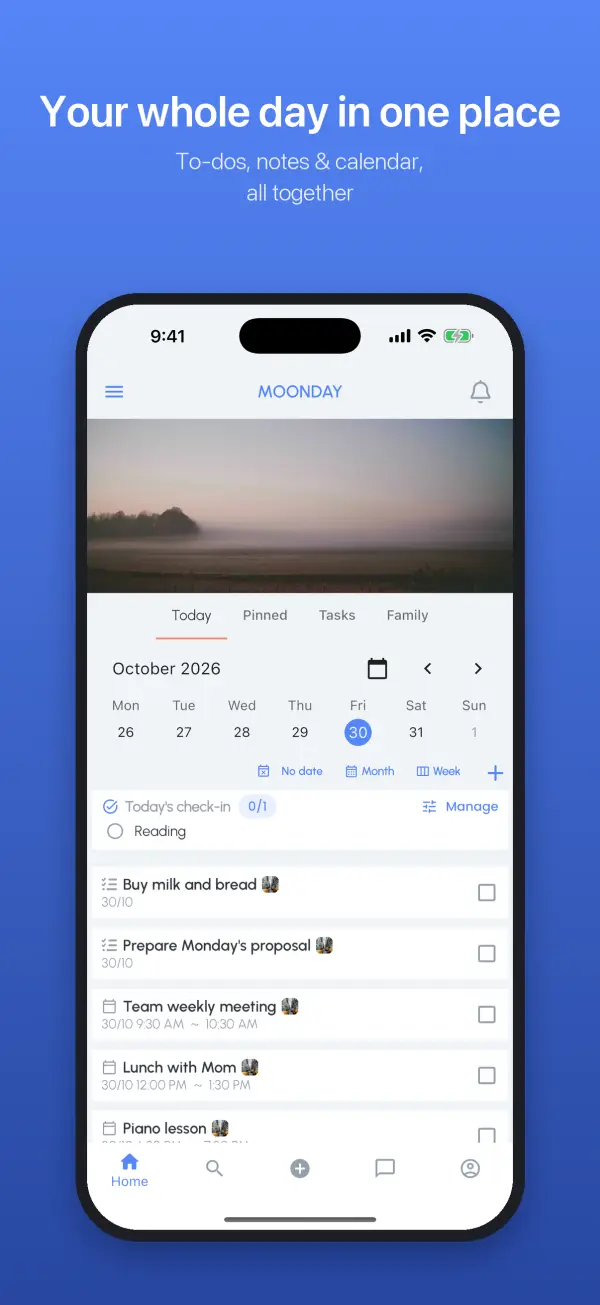
Plenty of apps share a calendar. Moonday is built to take the busywork, and the "I thought you knew", out of family life with kids.
Take photos or screenshots of a notice from school, nursery or a class (up to 4), pick a PDF (up to 10 pages) or paste the text. Moonday reads the dates, times, places, things to bring and deadlines, and starts with 3–5 key points.
With the app in English, titles and things to bring are translated, with the Japanese original in brackets, e.g. Field trip (遠足). You check everything before adding it: things to bring become sub-tasks to tick off, deadlines become to-dos, and "Share with family" puts it on everyone's calendar.
Add piano, swimming or cram school as a course and every week's lessons appear on the calendar. Create a whole term at once; holidays and existing lessons are skipped. Swap a single lesson without touching the rest.
Open days and trial classes where a parent comes along can be set per lesson, so they land on that parent's calendar and reminders too.
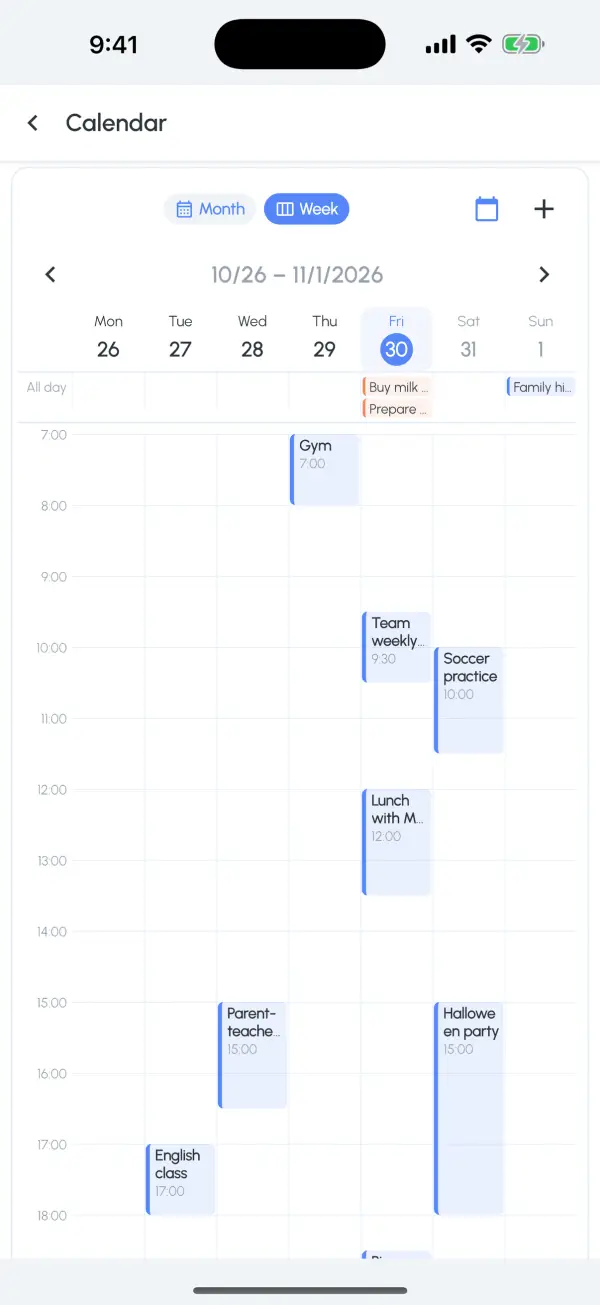
Events and to-dos shared with the family have an "In charge" row. Tap "I'll do it" to take one; weekly pickups or bin day can "Take turns", moving to the next person each time. Their picture shows on the home screen and month view.
A family shopping list is pinned to everyone's home screen. Grandparents who don't use the app get a read-only "Calendar for grandparents" link in big text, and you can print this month as an A4 calendar.
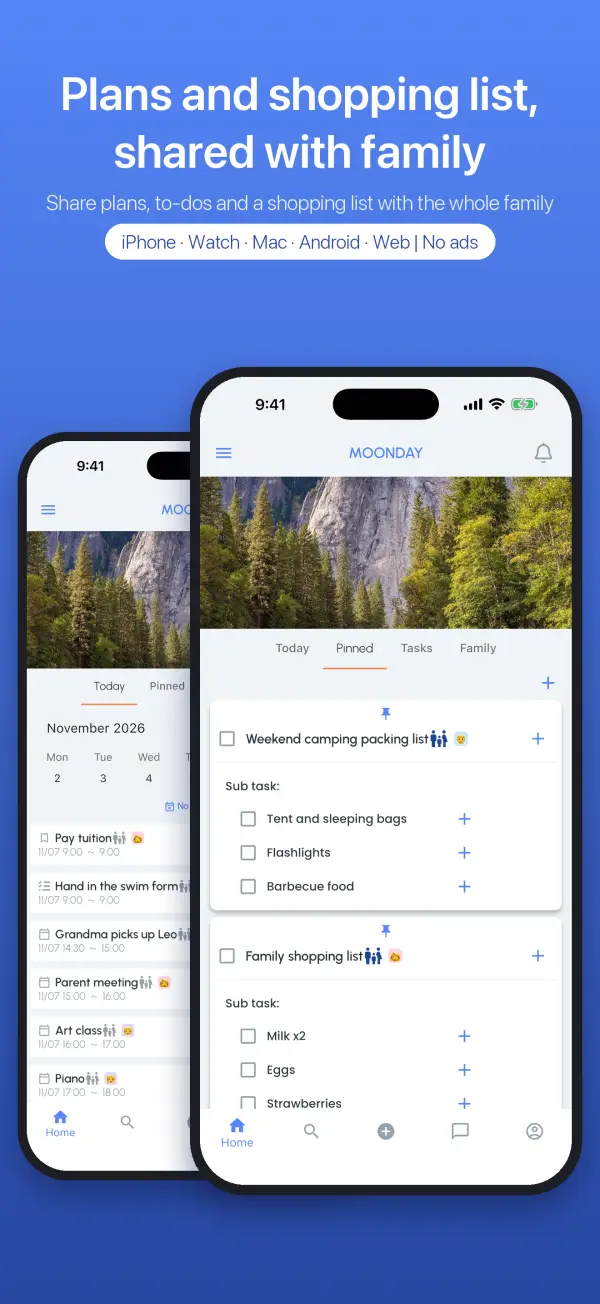
The app speaks English, Japanese and Chinese, and each family member picks their own language on the same shared calendar. Japanese school notices come out in your language, with the original kept in brackets.
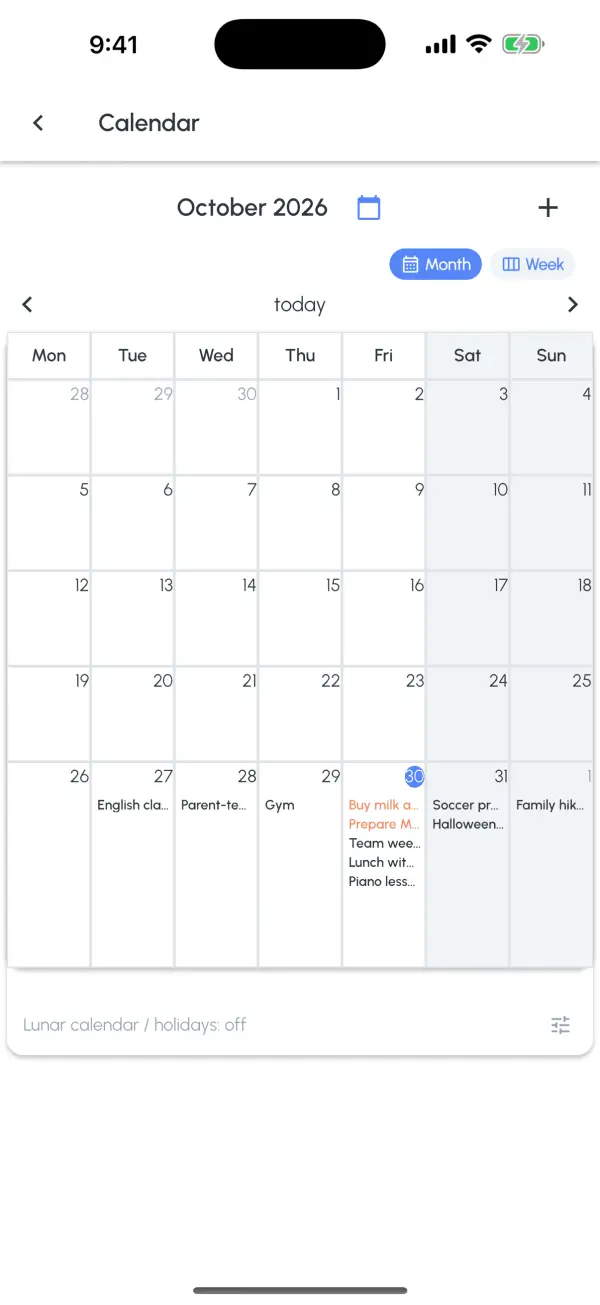
Show Japanese holidays alongside the lunar calendar, the 24 solar terms and the public holidays of 10 countries and regions, including the US, China, Hong Kong, Taiwan and Korea. Home-country celebrations and school events, on one month view.
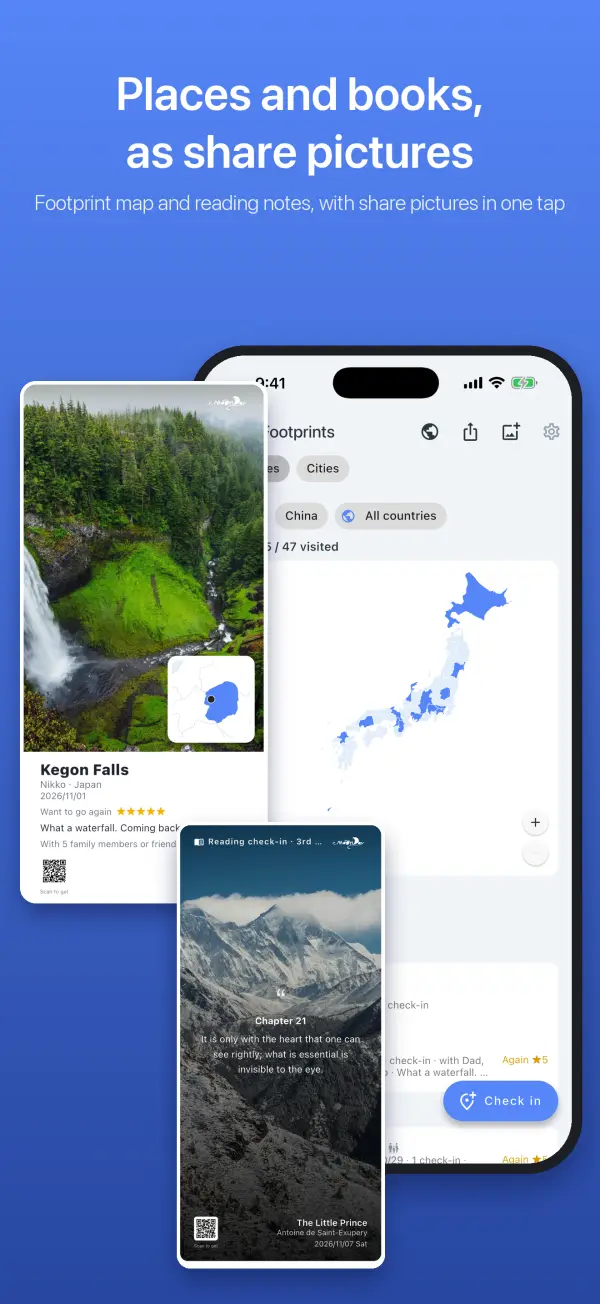
Finish an event with a place and it goes on your footprint map. The bookshelf keeps what you are reading and have read, with reading notes. A daily check-in helps kids keep small habits such as "15 minutes of practice". Make a year in review and good-looking share pictures.
| Before | With Moonday |
|---|---|
| Notices on the fridge, dates typed in by hand | Snap it: events, things to bring and deadlines (free for now) |
| Notices in Japanese you have to look up | Key points in your language, original in brackets |
| "Who's picking up today?" in the group chat, every day | Who's in charge and whose turn, right on the calendar |
| Re-entering every lesson swap | Change just that lesson in the course timetable |
| Sending screenshots to grandparents again and again | Send one read-only link |
| Checking Japanese and home-country holidays separately | All on one calendar |
International families in Japan
Snap what comes home in the school bag. Events and things to bring come out in English or Chinese, and the Japanese original stays alongside, so talking to the school is easy.
Working parents
Snap the notice in the evening and share it with the family. Things to bring are sub-tasks, forms are to-dos, and your partner's phone shows the same plan.
Families with lots of lessons
The course timetable fills in each week; a swap changes only that lesson. Pickups "Take turns" between Dad, Mum and Grandma.
Grandparents far away
Send a read-only calendar link on LINE: the next 5 weeks in big text. Set how long it works and stop it at any time.
Events, to-dos, notes, family sharing and chat are all in the free plan. Moonday Plus is the paid plan: one person subscribes and the whole family gets it.
¥0
Free for good, no ads
¥480 / month ¥4,800 / year
14-day free trial · up to 10 members, all with Plus
| Feature | Free | Plus |
|---|---|---|
| Calendar, events, to-dos, notes, books, footprints, family sharing, chat | All | All |
| Family members | Up to 10 | Up to 10, all with Plus |
| Ads | None | None |
| Photo & file space | 1 GB per person | 10 GB per family |
| Calendar subscriptions (iCal) | 3, synced every 6 h | Unlimited, synced every hour |
| Reminders per item | 1 | Up to 5, and reminders for family members |
| Change history and restore | — | ✓ |
| Subscribe to Moonday in your phone calendar | — | ✓ |
| Trash kept | 30 days | Your choice: 30 days, 90 days, 1 year or forever |
| Events (invitations, replies, check-in free) | Up to 30 people each | No limit; fee and settle-up, event photo album and more |
| Packing list templates | 3 | 50 |
| Year in review | Summary card | Every page and share picture |
| AI credits every month | 100 for you (verified email) | 1,600 per family (shared) |
| Notice to calendar (up to 4 photos or a 10-page PDF) | 20 credits a read (about 5 a month) | 10 credits a read (about 160 a month) |
| Your data is never used to train AI models | ✓ | ✓ |
| Support | By email | Answered first |
Moonday Plus is coming soon. Prices include Japanese consumption tax; details are as planned for launch (scheduled for December 16, 2026). Subscribe in the app (App Store or Google Play). Until then, the AI features (notice to calendar, the Moona assistant, one-line events, photo reading and the weekly family digest) are free for now for adult users, until 16 December 2026 (with a daily limit per person; details).
Our promise in the privacy policy
Yes. Events, to-dos, notes, family sharing, chat and lesson courses are all in the free plan, with no ads.
Up to 10, children included. With Plus, one subscription covers the whole family.
iPhone, iPad, Apple Watch, Android and any browser (the web app). One account syncs across all of them.
Yes. Each person chooses the app language (English, Japanese or Chinese). Events themselves are shared as written.
Soon. Once it launches, subscribe under "Moonday Plus" in the app, with a 14-day free trial.
See the FAQ.
Family members join by scanning a QR code. Ready now on iPhone, Android and the web.