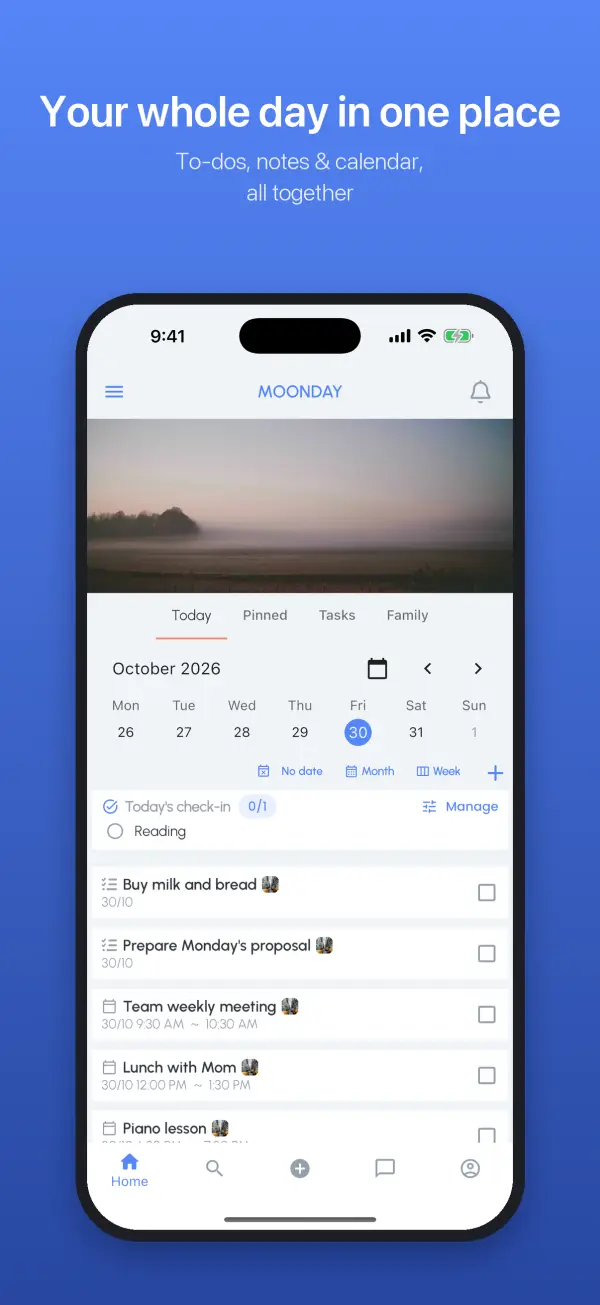
Shared with your family, with family chat
Create a family group and everyone, grandparents included, sees the same schedule. Who picks up the kids today is clear at a glance. Family members can chat right inside the app.
A timetable for your kids' lessons
Add piano, swimming or cram school once as a course and every week's lessons appear on their own. Move one lesson to another day or time without re-entering the rest.
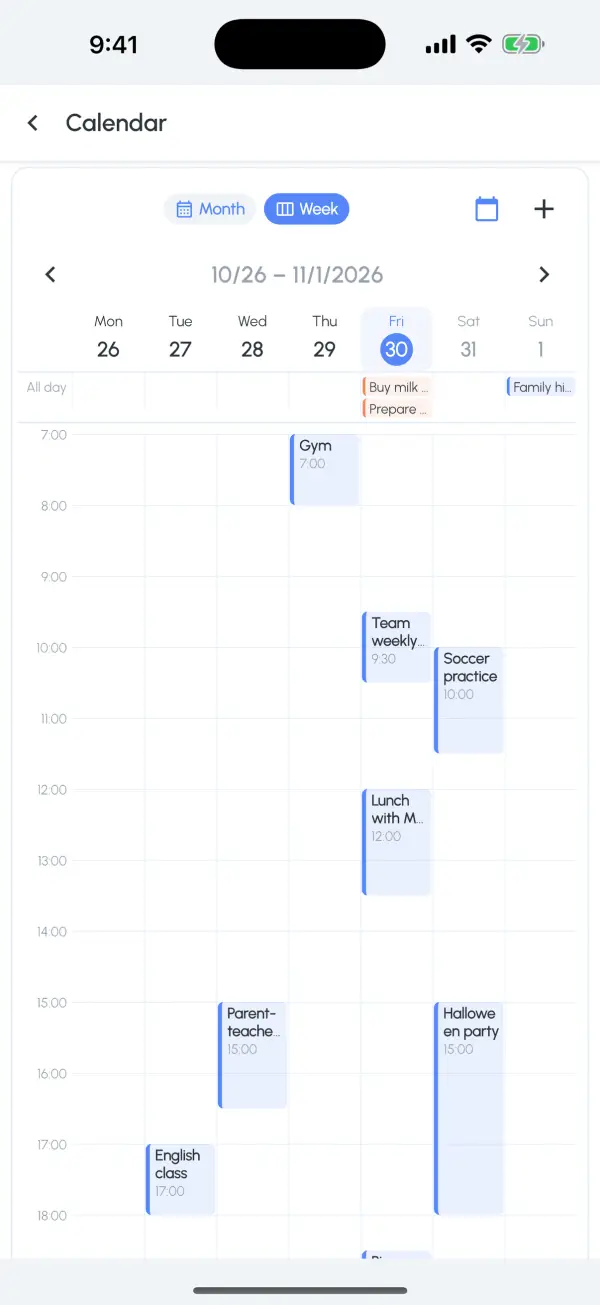
Japanese holidays and the lunar calendar together
The calendar can show lunar dates, the 24 solar terms, traditional Chinese festivals and public holidays for 10 countries and regions, including Japan, mainland China, Hong Kong, Taiwan, Korea and the US.
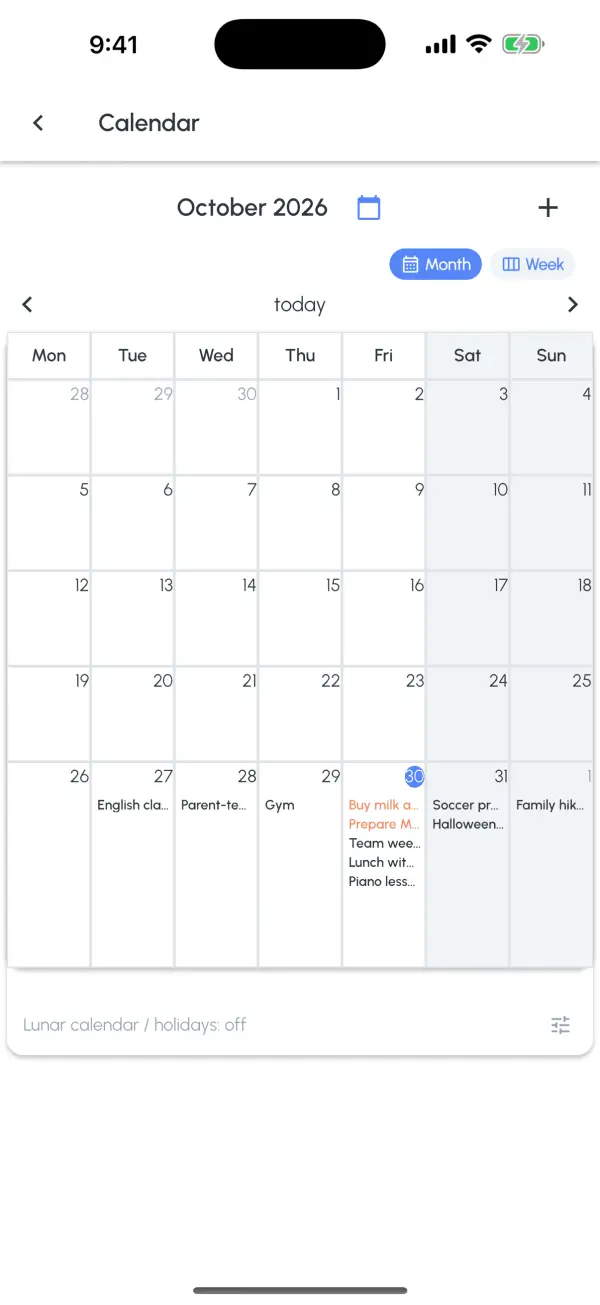
Subscribe to school and work calendars
Paste an iCal link from your school or company and its events sync automatically. You can manage them as courses, too.
No ads, no ad tracking
Moonday shows no ads and never uses your data for advertising. You can delete your account and data in the app at any time.
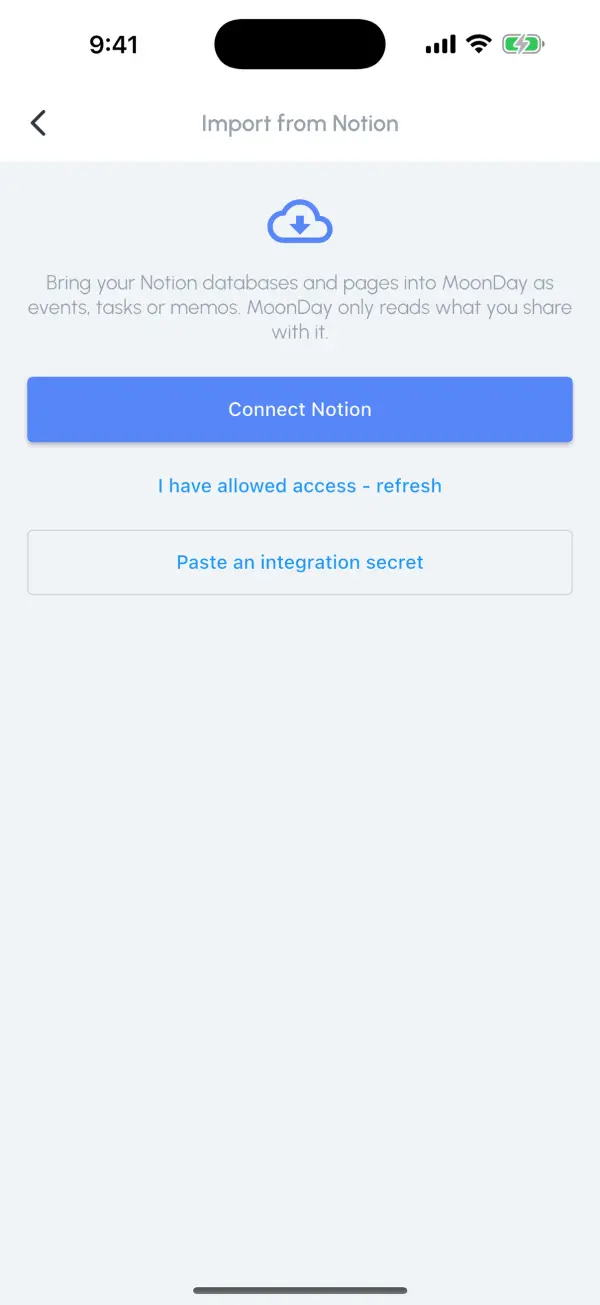
Import from Notion
Connect Notion and bring the pages and databases you choose into Moonday as memos, events and tasks. Moonday only reads what you allow and never writes to Notion.
Reading notes and a daily check-in
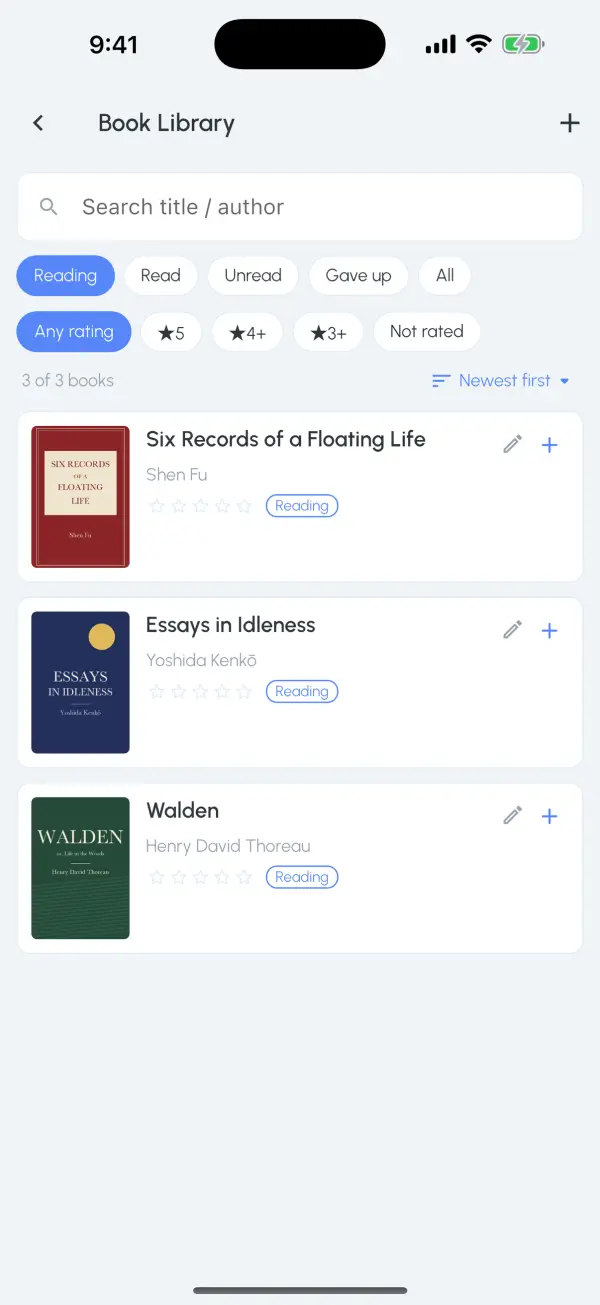
Keep a bookshelf of what you are reading and have read, write reading notes and make cards to share. The daily check-in helps small habits like reading or exercise stick.
Get Moonday for free
For iPhone, iPad and Android, or use it right in your browser.